Troubleshooting and support
Diagnose connection, domain and allocation issues.
API connection rejected
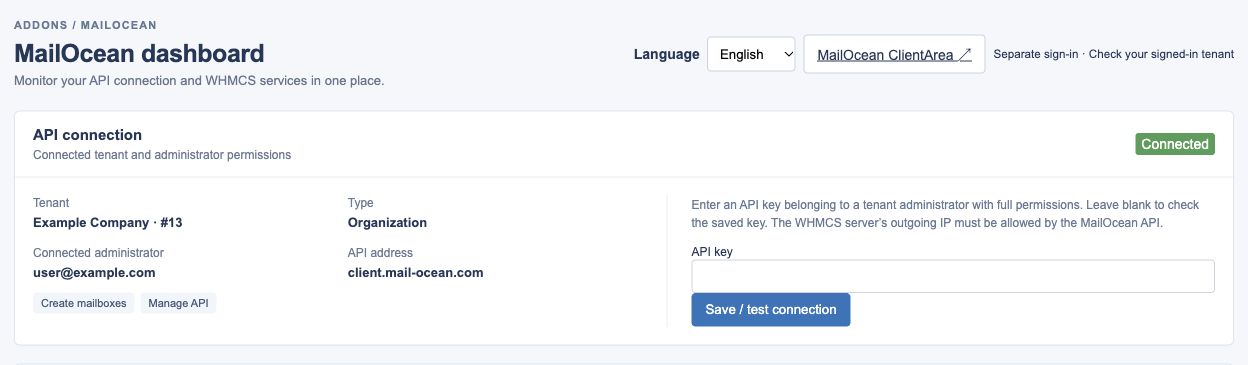
Check the WHMCS server’s outbound IP allowlist, tenant token validity and its owner’s permissions. If the token was rotated, update it in the addon and test again.
- Verify the actual WHMCS outbound IP is on the API allowlist.
- Check the token belongs to the correct tenant and a fully authorized administrator.
- If rotated, save the new token in the addon and retry the connection test.
Service cannot be created or capacity is insufficient
Check the product code, the appropriate Mailbox Quantity, available capacity under the active agreement, agreement dates and payment status. Compare WHMCS addon and OceanMail allocations.
- Check the WHMCS product code and the appropriate Mailbox Quantity option and value.
- Check available capacity in a matching active source, agreement dates and payment status.
- Check the service ID in the WHMCS addon and compare mailbox inventory in OceanMail.
Domain verification fails
Compare the TXT name and value shown on the domain page with your DNS provider, wait for propagation and retry. Contact support if the domain may already be linked elsewhere.
- Compare the TXT name and value shown in the customer portal with the record at your DNS provider.
- Allow DNS propagation and run the domain-page check again.
- Contact support if the domain may already belong to another organization.
Contact support
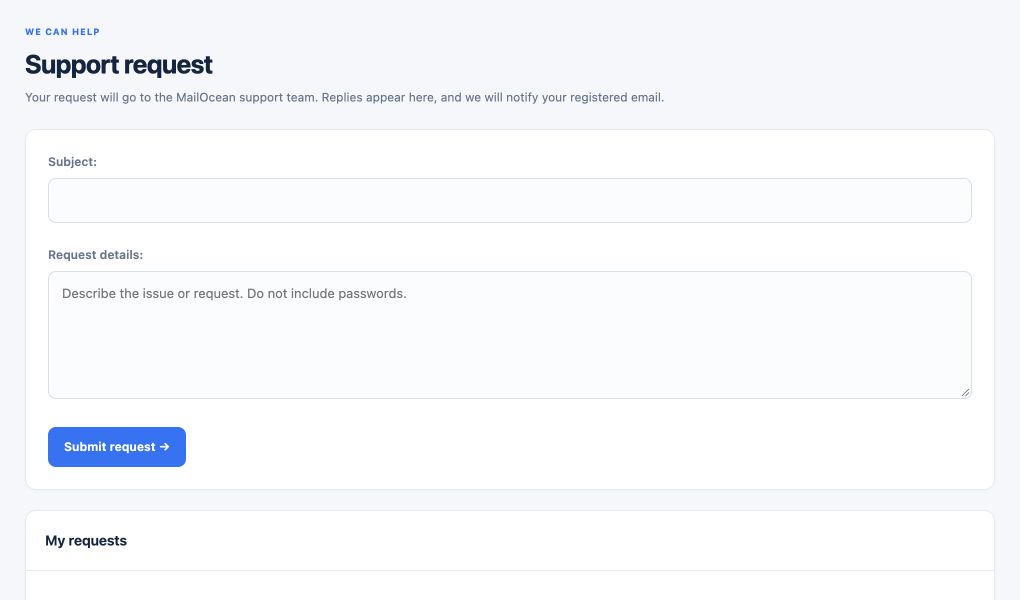
Use Customer portal → Support or email info@mail-ocean.com. Include the error time, domain, WHMCS service ID, status and sanitized error code. Do not send passwords, tokens or MFA codes.
- Open a request under customer portal Support or email info@mail-ocean.com.
- Include the date and time, domain, WHMCS service ID, status and sanitized error code.
- Never send passwords, API tokens, MFA codes or recovery codes.