MAILOCEAN / HELP CENTER
Set up Apple Mail
Add an IMAP mailbox on a Mac, iPhone or iPad.
Add an account
In Mail account settings choose Other mail account and IMAP. Menu names vary by Apple device and version.
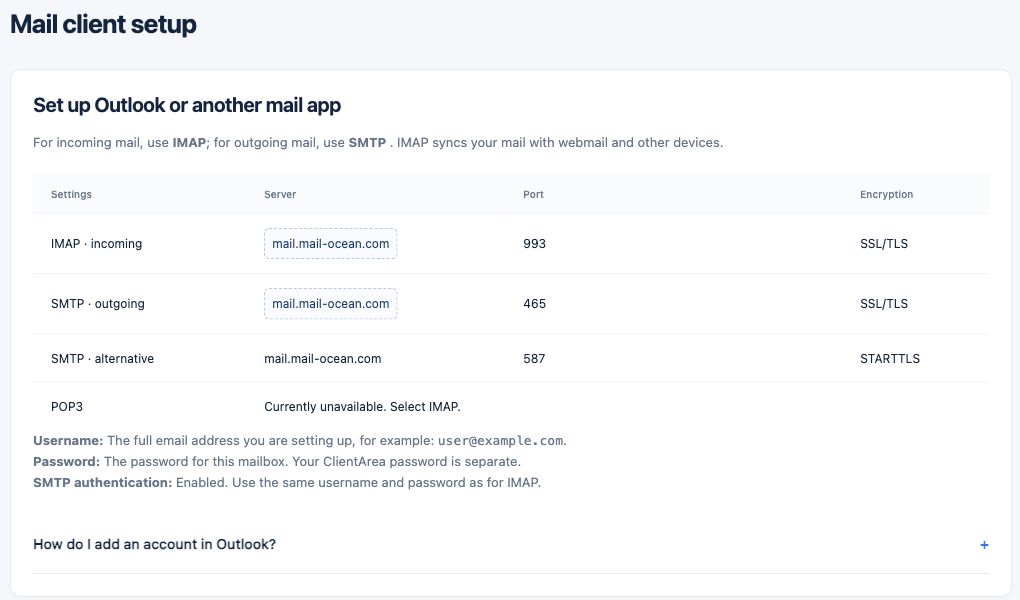
- Enter your full email address and mailbox password.
- Incoming: mail.mail-ocean.com, IMAP 993, SSL/TLS.
- Outgoing: mail.mail-ocean.com, SMTP 465, SSL/TLS, with authentication enabled.
- Save and send and receive a test message.